How to Create an Online Survey
that Attracts People?
Learn how to create an online survey that people actually complete. Practical tips on question design, length, skip logic, and distribution, with a tool built for speed.
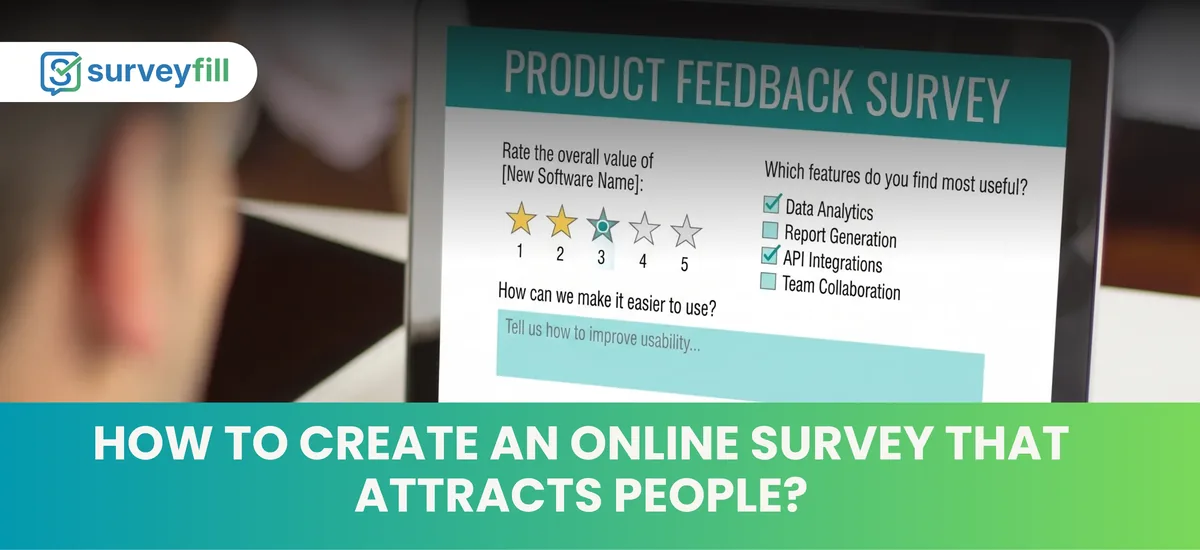
Most online surveys fail before anyone answers question one. The link gets ignored, the tab gets closed, or the respondent hits three blocks of dense introduction text and closes the browser. Survey abandonment is the norm, not the exception.
If you want responses, the survey has to earn them.
This guide covers exactly how to create an online survey that people will open, finish, and respond to honestly.
What is an Online Survey?
An online survey is a structured questionnaire distributed over the internet to collect data, opinions, or feedback from a specific group of people. Respondents complete it on any device, at any time, without needing to speak to an interviewer.
Unlike paper surveys or door-to-door interviews, online surveys reach respondents through digital channels like email, social media, and websites, making them accessible to a much wider audience.
They're used for customer satisfaction research, employee engagement, market research, product feedback, event evaluation, and academic studies.
Why Most Online Surveys Get Ignored
Before fixing a survey, you need to know what breaks it.
How to Create an Online Survey Step by Step
Define one clear goal
Every effective survey has one primary question it's trying to answer. “How satisfied are customers with our delivery process?” is a goal. “General customer feedback” is not.
Write that goal down before you write a single survey question. Every question you add should connect directly to it. If it doesn't, cut it.
Choose the right survey type
Pick the format that fits your research goal:
- NPS (Net Promoter Score): Measures likelihood to recommend. One question, a 0-10 scale, and one follow-up.
- CSAT (Customer Satisfaction): Measures satisfaction with a specific interaction or product.
- Employee engagement: Assesses morale, culture fit, and workplace experience.
- Product feedback: Collects opinions on features, usability, or specific improvements.
- Market research: Gathers preference and behavior data from a target audience.
Knowing the type helps you pick the right question formats and set realistic expectations for response volume.
Keep it short
A survey should take under 10 minutes to complete, and under 5 is better. Inform participants upfront about the time involved and, if using an online survey tool, include a progress bar.
For most use cases, 5 to 8 questions is enough. If you think you need 20, you probably need two separate surveys with two different goals.
Write clear, single-idea questions
One question, one idea. “What did you think of the product and the delivery time?” is two questions. Split them.
Avoid leading questions. “How much did you enjoy our service?” pushes respondents toward positive answers. “How would you rate your experience?” does not.
Use plain language. If a question requires rereading to understand, rewrite it.
Pick the right question types
Closed-ended questions are quicker to answer. Respondents are more likely to skip open-ended questions if there are too many of them.
A practical mix for most surveys:
- Multiple choice or single choice for factual answers
- Rating scales or Likert scales for satisfaction and agreement
- One or two open-text questions for qualitative depth, placed near the end
- NPS or CSAT as a standalone question, not buried in the middle
Use skip logic
Skip logic sends respondents to different questions based on their previous answers. A customer who says they've never used your product shouldn't see five follow-up questions about product experience.
This keeps surveys shorter for each individual respondent, even if the total question bank is larger. It also makes the survey feel relevant rather than generic.
Design for mobile
Keep questions visible without scrolling. Use large tap targets for answer choices. Avoid matrix grids on small screens. They're hard to read and easy to answer incorrectly on a phone.
Test the survey on your own phone before sending it. If something is awkward to tap, it will cost you completions.
Write a short, honest introduction
One or two sentences. What is this survey for, who is asking, and roughly how long will it take. That's all.
Don't overpromise. If the data will influence a product decision, say that. People are more willing to give honest answers when they believe the response actually goes somewhere.
Distribute through the right channel
Channel matters as much as content. Some options:
- Email: High intent, works well for existing customers or employees
- QR code: Effective at physical locations, events, or on printed materials
- Embedded on a webpage: Captures feedback at the moment of experience
- Social media: Works for broad audience research, but response quality varies
- In-app prompts: High context, triggered at the right moment
The best channel is the one where your target respondents already spend time. Don't make them go somewhere new to answer.
Follow up once
If response volume is low after a few days, one reminder is appropriate. More than one damages the relationship. Keep the reminder short. Explain why the feedback matters, link directly to the survey, and don't guilt-trip anyone for not responding earlier.
What Makes a Survey Actually Work
Speed of creation matters less than clarity of purpose. A survey built in 5 minutes with clear questions and the right distribution channel will outperform a meticulously designed 30-question form sent to the wrong audience.
The fundamentals are:
Get those right, and the response rate follows.
How SurveyFill Makes This Faster
Building a survey from scratch takes time. Picking question types, writing options, testing logic, then publishing and sharing.
SurveyFill cuts that down to under 60 seconds. The AI question generator takes a topic and additional context, then drafts a full set of relevant questions automatically. You review, edit, or regenerate in one click.
The platform has 25+ question types built in, including NPS, CSAT, Likert, rating scales, matrix grids, file uploads, and open text. Skip logic is available on the Pro plan. Analytics update in real time as responses come in, with charts, cross-tab analysis, and CSV export.
For teams running Acumatica ERP, the Enterprise plan connects surveys directly to ERP records. A customer submits a post-delivery survey, and the NPS score goes straight to their Acumatica customer profile. No manual data entry.
There's a free plan to start. No credit card required.
Frequently Asked Questions
How long should an online survey be?
5 to 8 questions for most use cases. Under 10 minutes to complete. The shorter the survey, the higher the completion rate. If you can answer your research question with 3 questions, use 3.
What is the average response rate for an online survey?
It varies by audience and relationship. Surveys sent to existing customers or employees typically see 20-40% response rates. Cold surveys sent to unfamiliar audiences can drop to 5-10% or lower. A clear explanation of purpose and a short time commitment both push the rate up.
Should I offer an incentive to get more responses?
Incentives increase volume but can reduce quality. People who take a survey only for the reward tend to answer faster and less carefully. For internal or customer surveys where honesty matters, a clear explanation of how the data will be used is more effective than a prize draw.
What's the best time to send a survey?
Mid-week, mid-morning tends to perform well for B2B audiences. For consumer surveys, early evenings on weekdays also show decent open rates. Test with your specific audience rather than assuming general data applies.
What is skip logic in a survey?
Skip logic routes respondents to different questions based on their previous answers. If someone says they've never purchased from your store, they skip the post-purchase questions entirely. It keeps surveys relevant and shorter for each individual respondent.
How do I analyze online survey results?
Start with response volume and completion rate. Then look at distributions for each closed-ended question. For open text, read through manually first, then cluster common themes. Export to CSV or Excel for deeper analysis, or use a platform with built-in analytics that shows cross-tabs and filters by date or segment.
Key Takeaways
- Most surveys fail because they're too long, not because the questions are bad. Aim for 5 to 8 questions and a completion time under 5 minutes.
- Define one specific research goal before writing a single question. Every question should connect to it. If it doesn't, cut it.
- Tell respondents upfront how long the survey takes. If you say 3 minutes, it must actually take 3 minutes.
- Use skip logic so respondents only see questions relevant to their situation. It shortens the experience without reducing the data you collect.
- Channel matters as much as design. Send the survey where your audience already spends time, whether that's email, in-app, or a QR code at a physical location.
- One follow-up reminder is acceptable. More than one will cost you goodwill.
- Mobile optimization is not optional. If the survey is awkward to tap through on a phone, completion rates will drop.
Related Resources
How to Create a Customer Feedback Survey
A practical guide to building a customer feedback survey that actually gets responses, from goal-setting to question design.
AnalyticsNPS vs CSAT: Which Metric Should You Track?
Compare Net Promoter Score and Customer Satisfaction Score, and learn when to use each one in your feedback strategy.
AIHow AI Is Transforming Survey Design
How AI-powered builders help teams write better questions, reduce bias, and boost completion rates.
HR StrategyThe Importance of Employee Engagement Surveys
Why pulse and engagement surveys outperform annual census programs, and how to build a listening cadence that drives action.
Build Your Online Survey in Under 60 Seconds
Draft questions with the AI generator, add skip logic, and share through email, QR code, or an embedded link. Free plan available. No credit card required.